Photorealistic
AI render in 72 seconds
right in
Archicad
Professional AI tool for architects, designers, and furniture makers



3 000+ professionals





Features
Many convenient tools for professional work
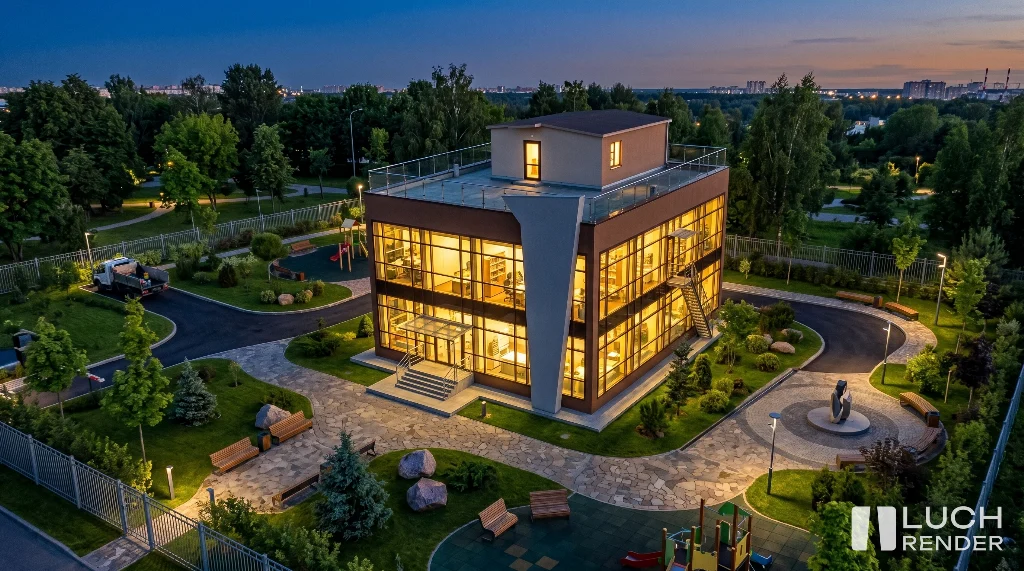
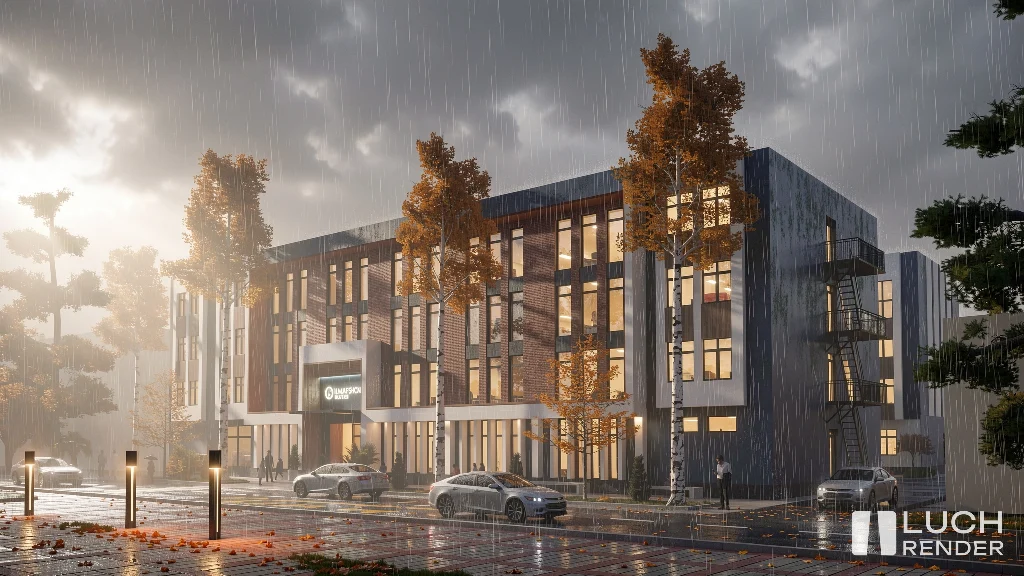
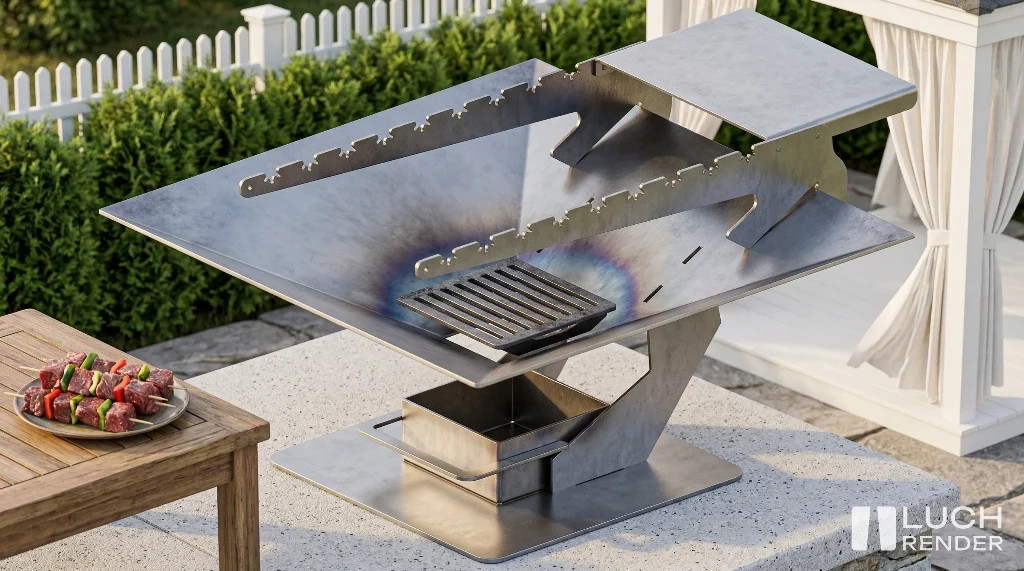
Instant Photorealistic AI-Rendering
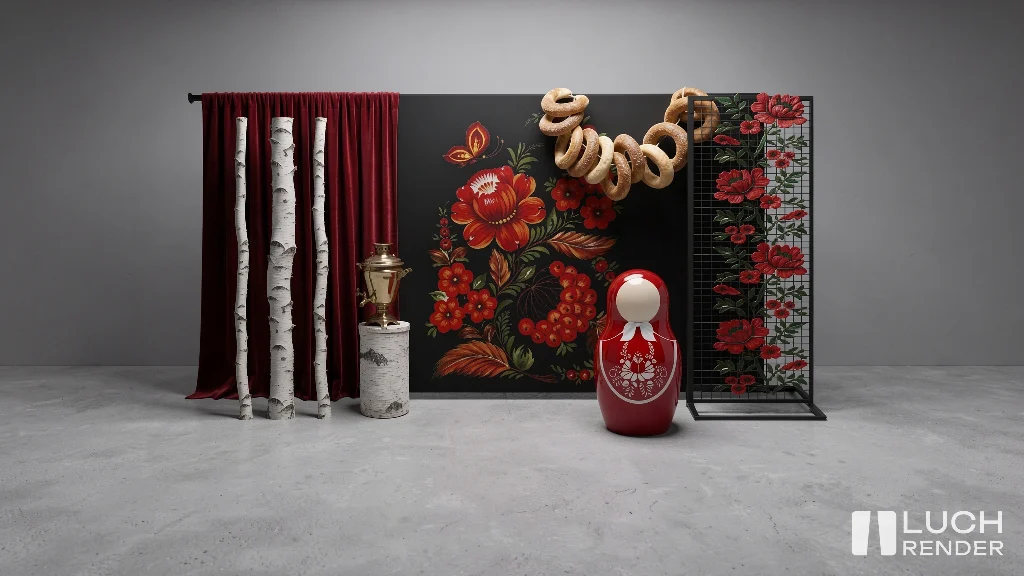
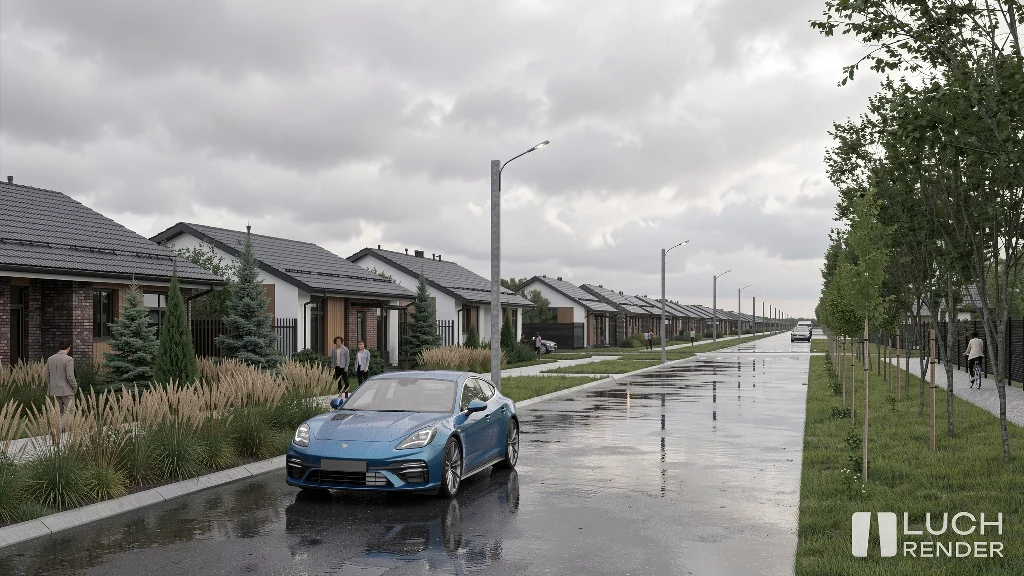
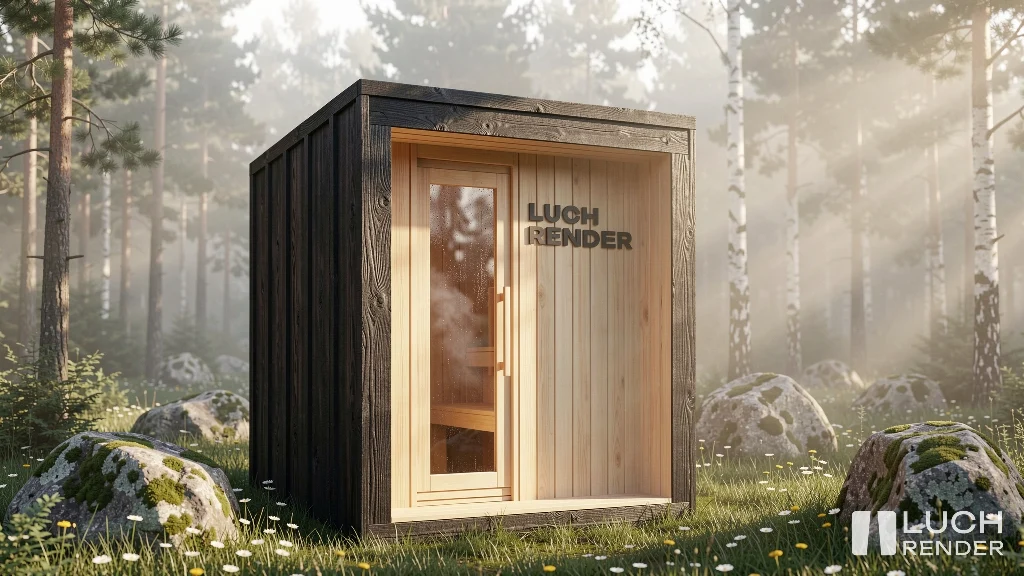
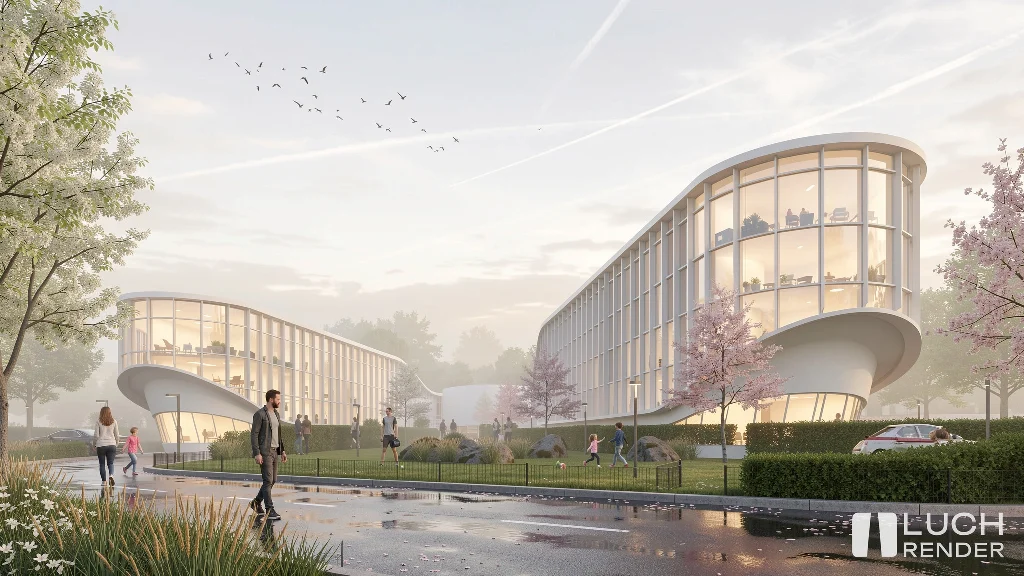
Upload your 3D models, simple hand sketches, concepts, or "white" models. Our AI analyzes the geometry and generates a stunning visualization with physically accurate lighting and materials in ~70 seconds.
Available plugins
Native integration with professional software



Gallery
Get inspired by our users' renders
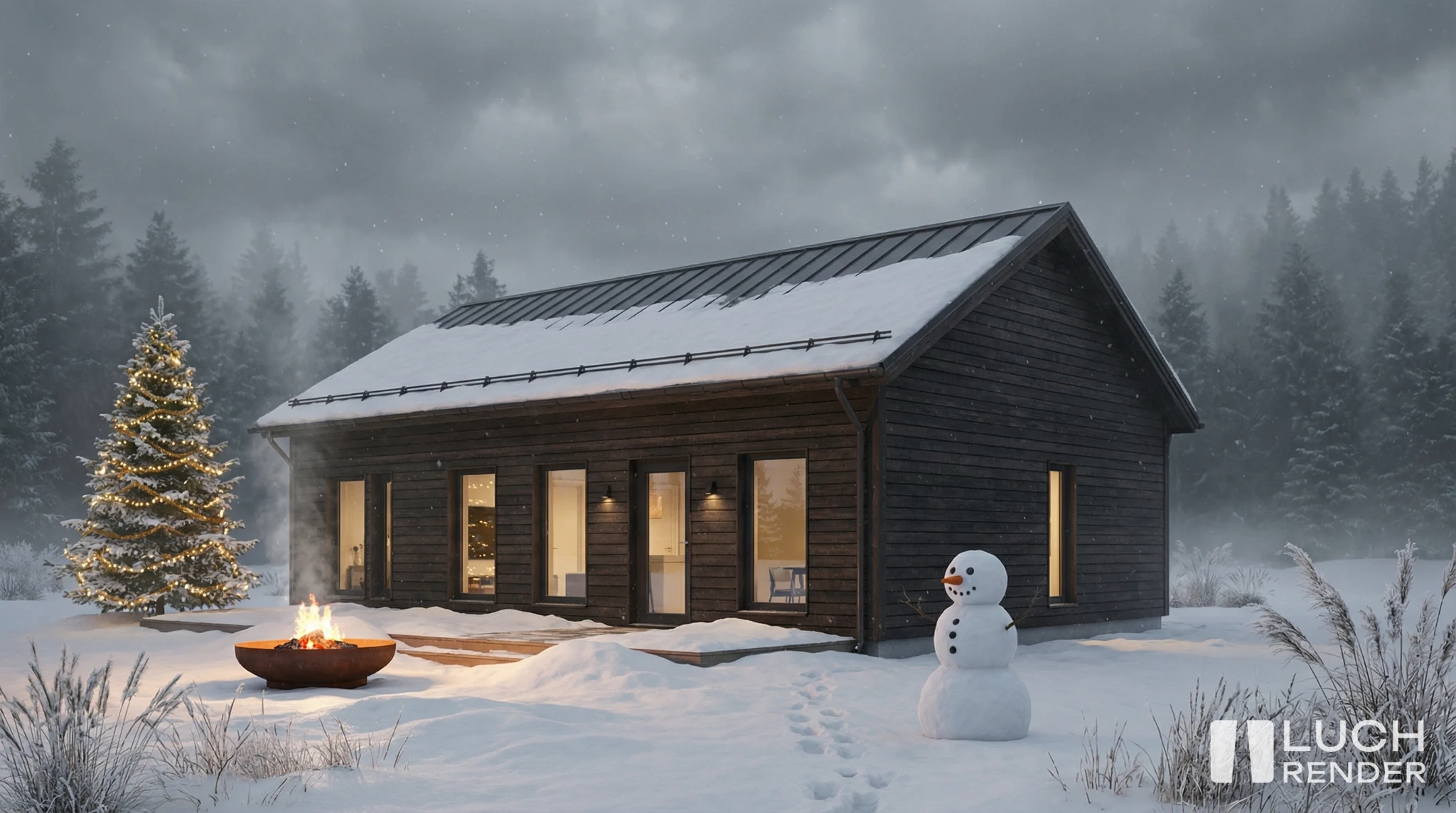
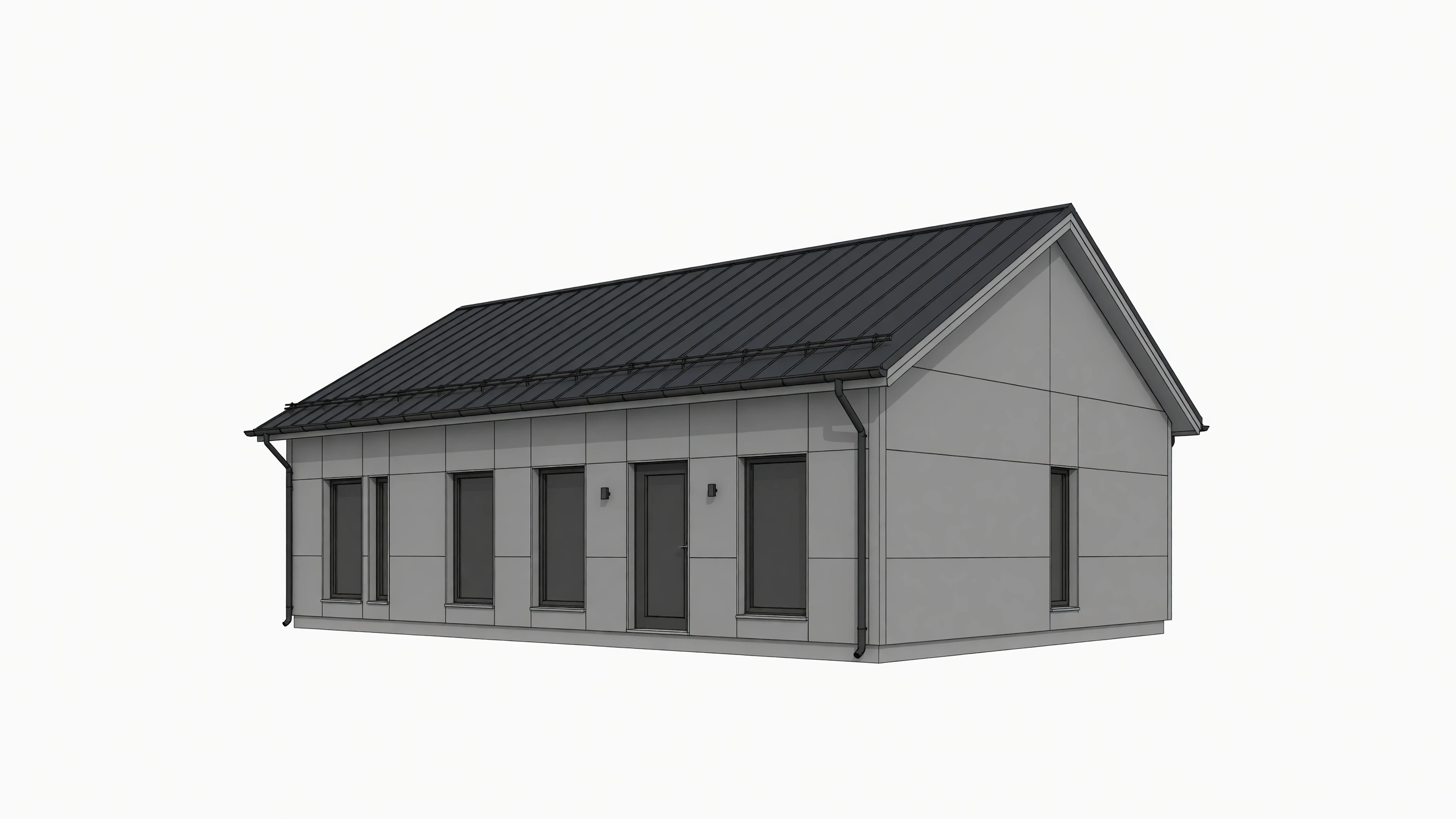
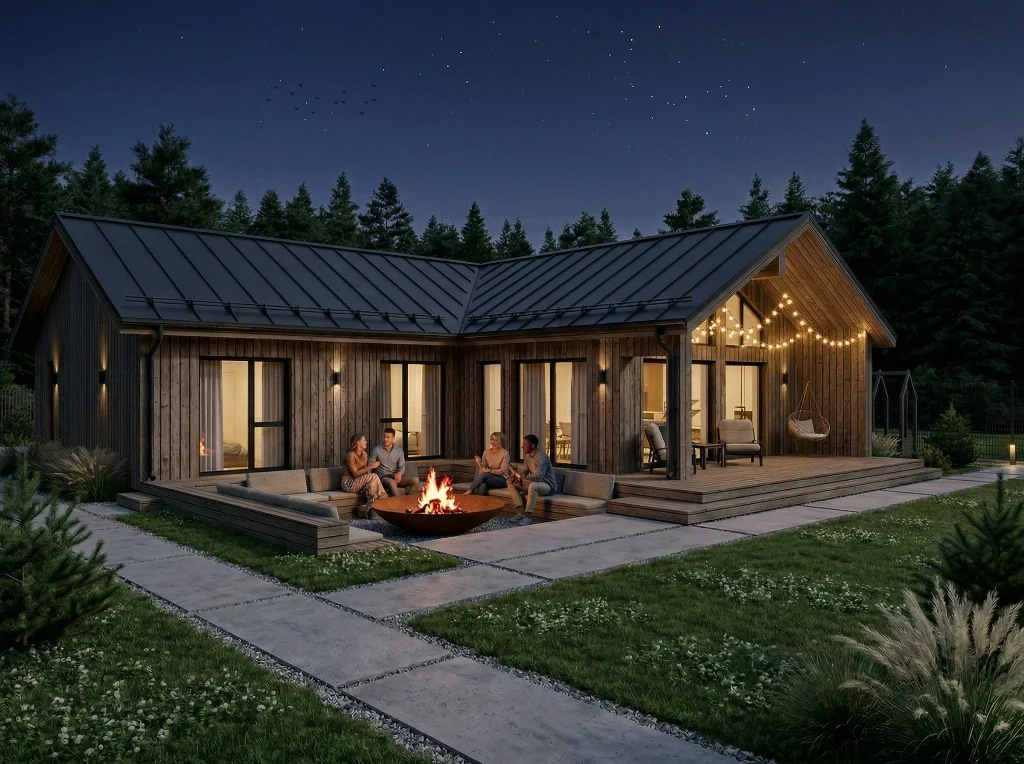
One-story residential house
Architectural AI-visualization
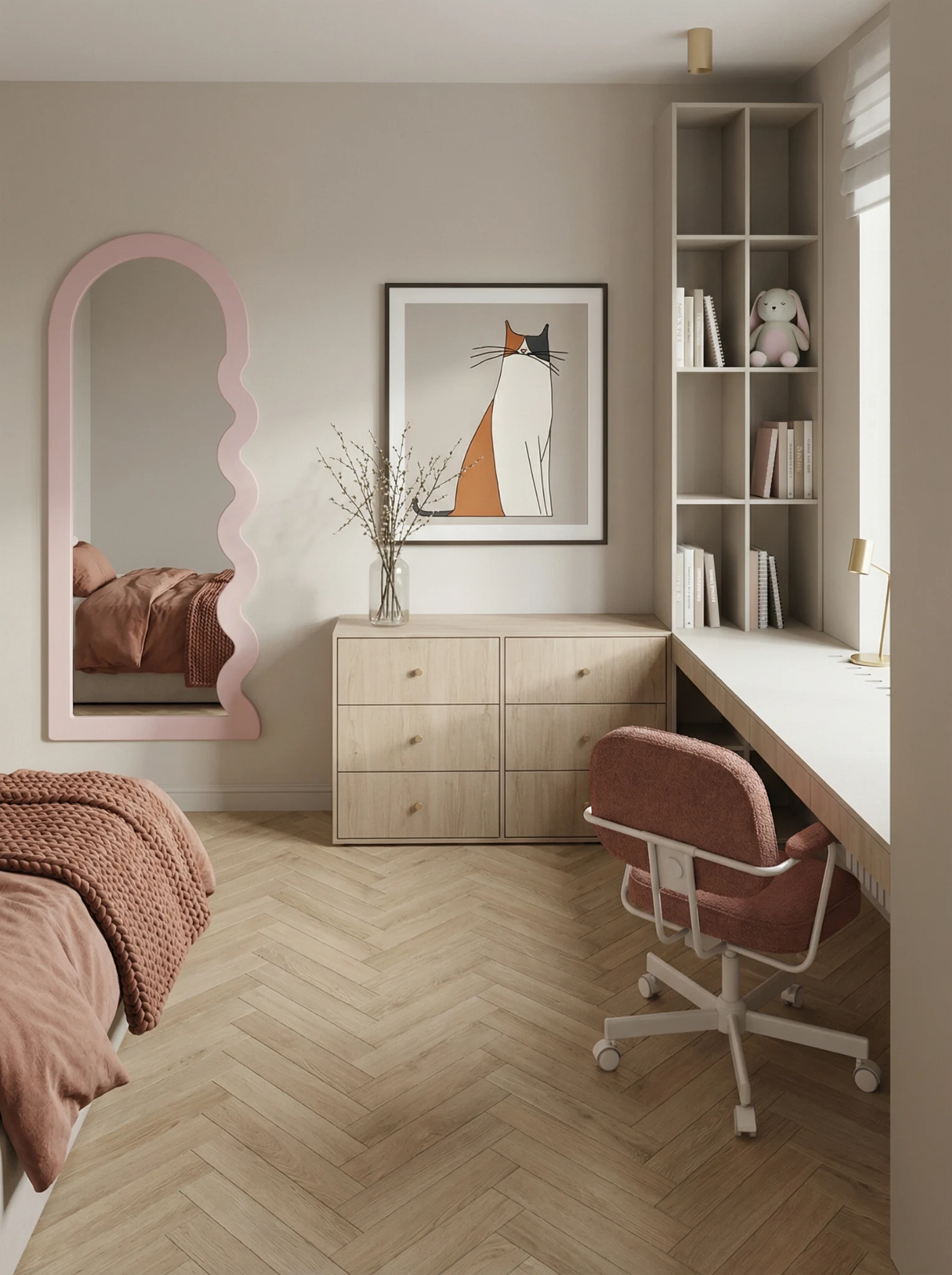
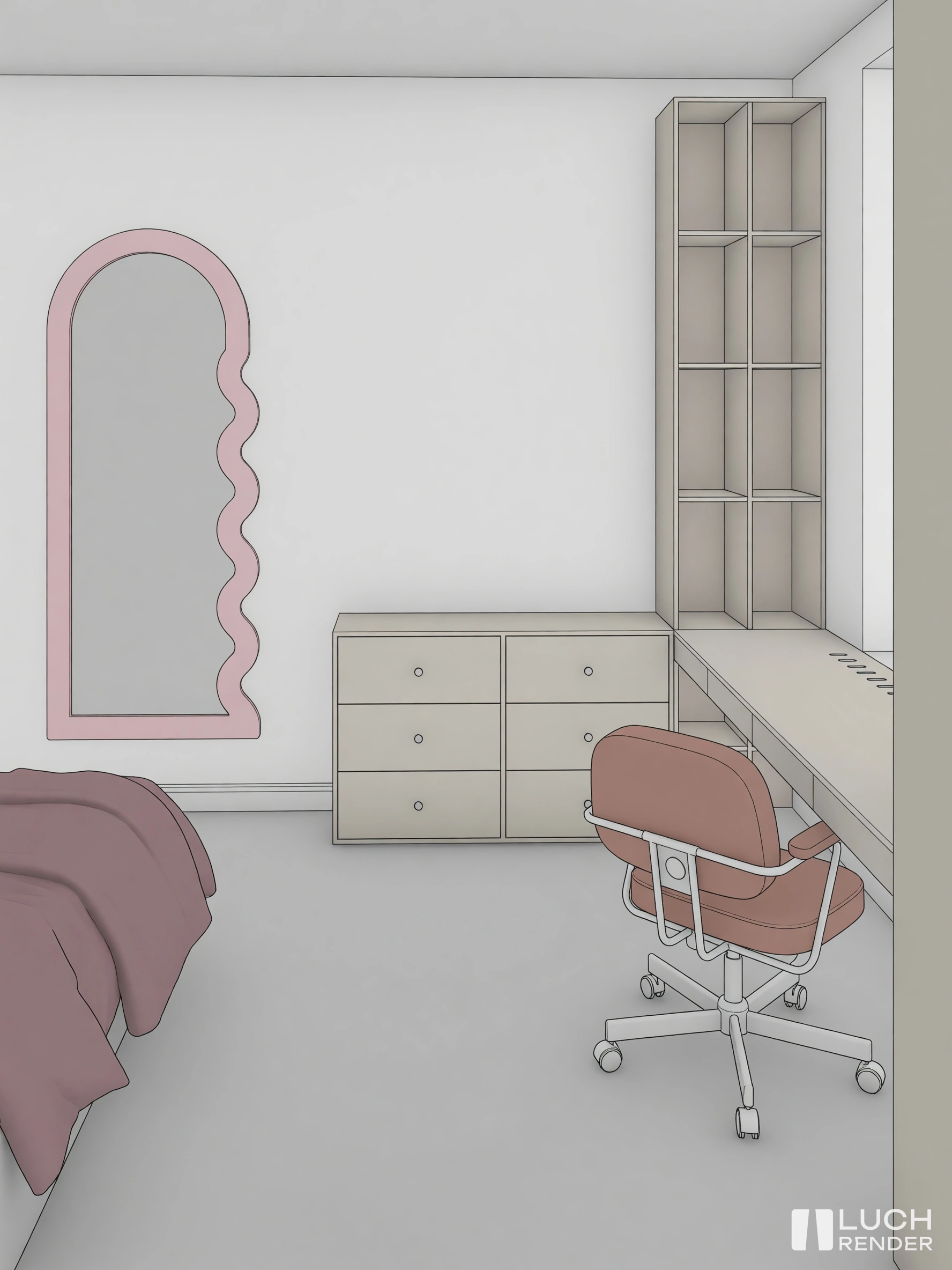
Kids room interior
Neural network render from Revit

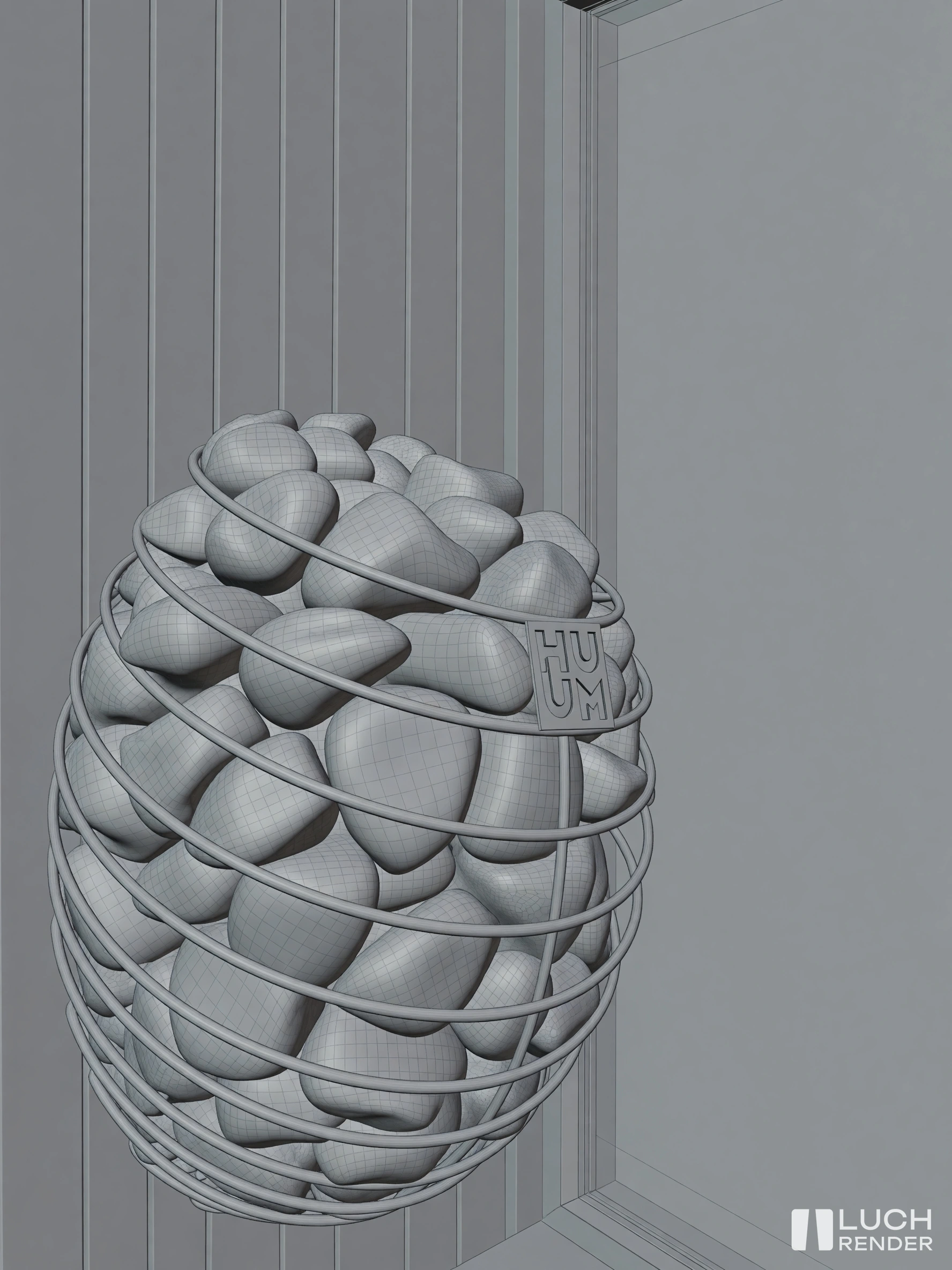
Electric fireplace visualization
Neural network render from Blender

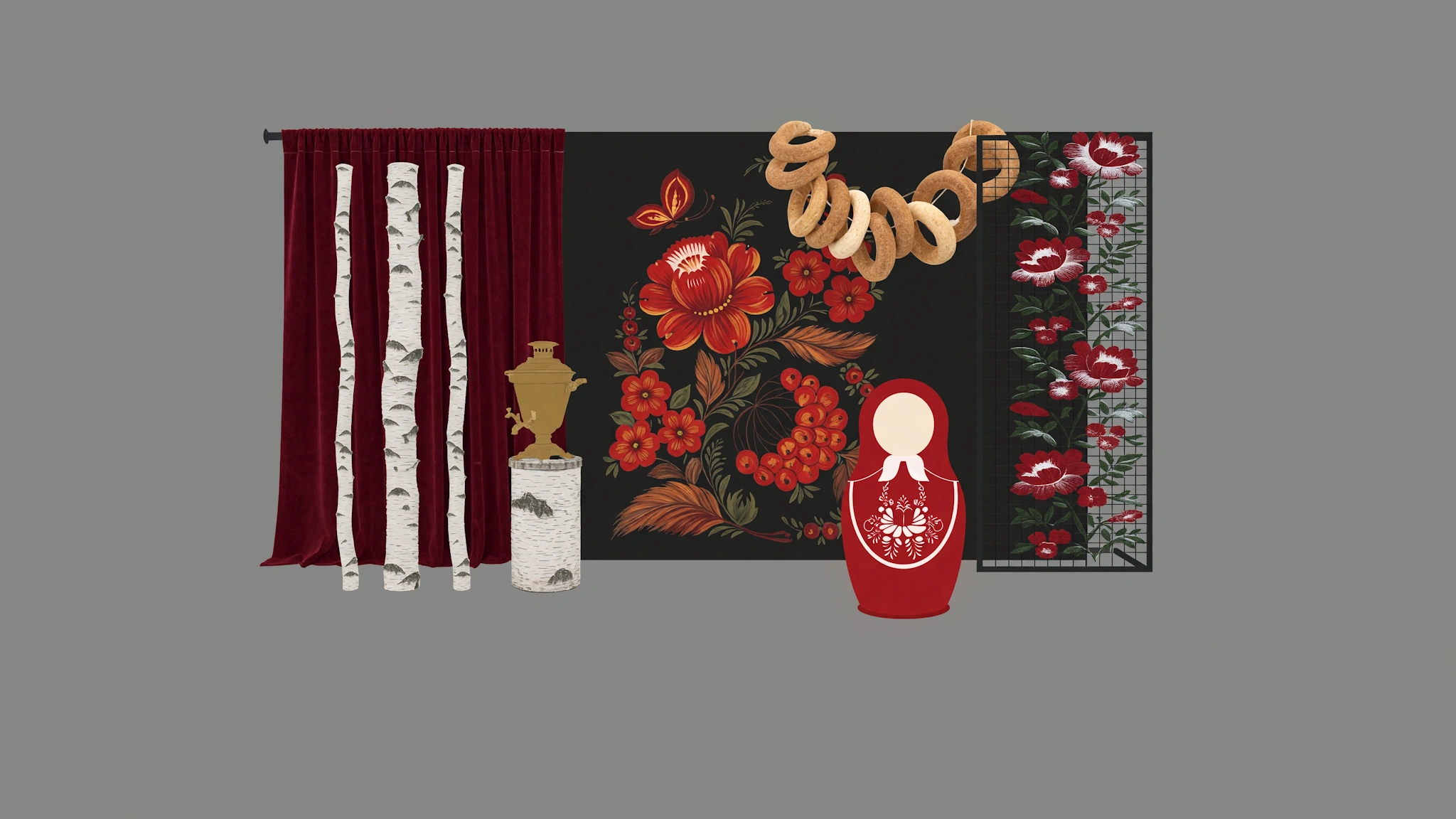
Photozone collage render
AI collage render from Procreate
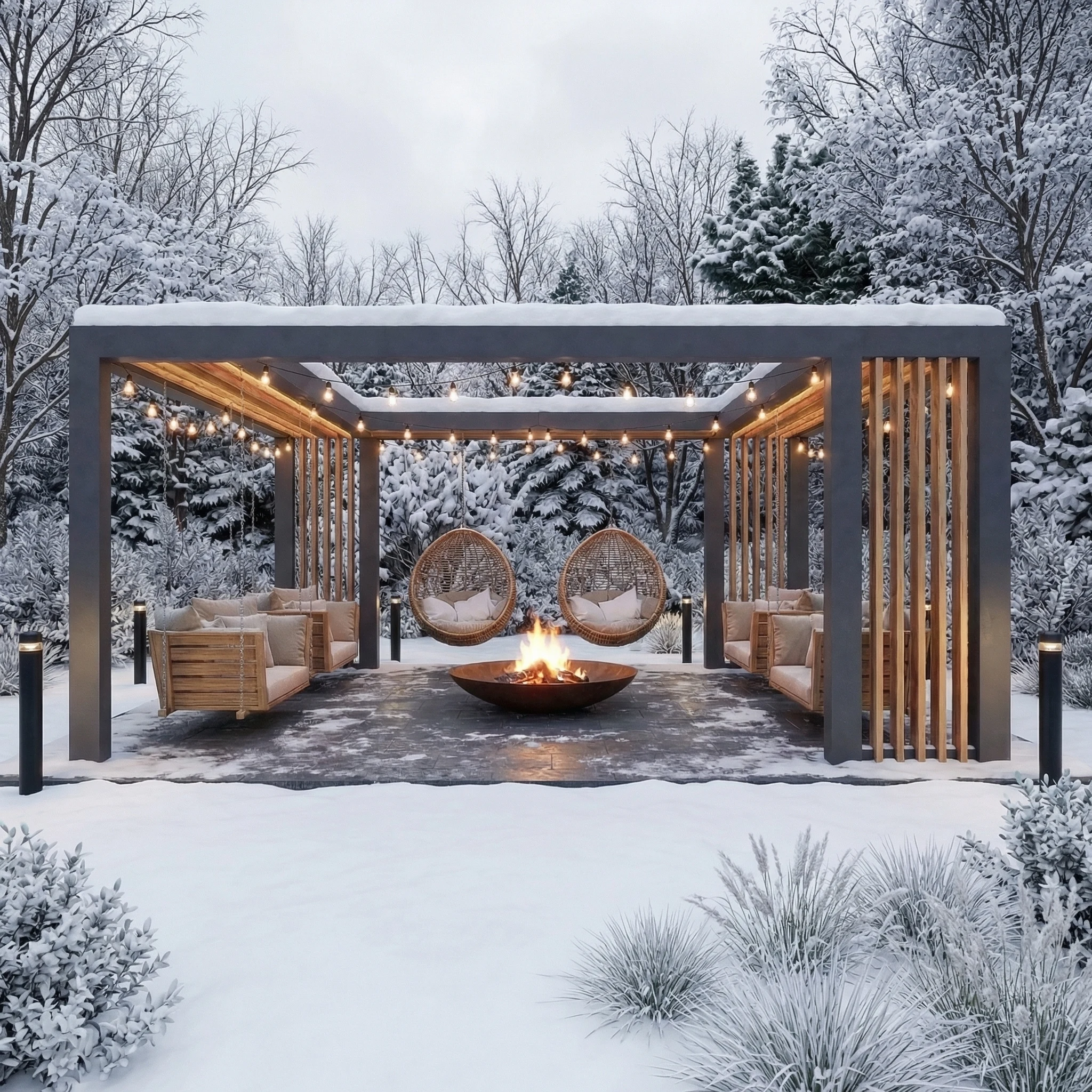
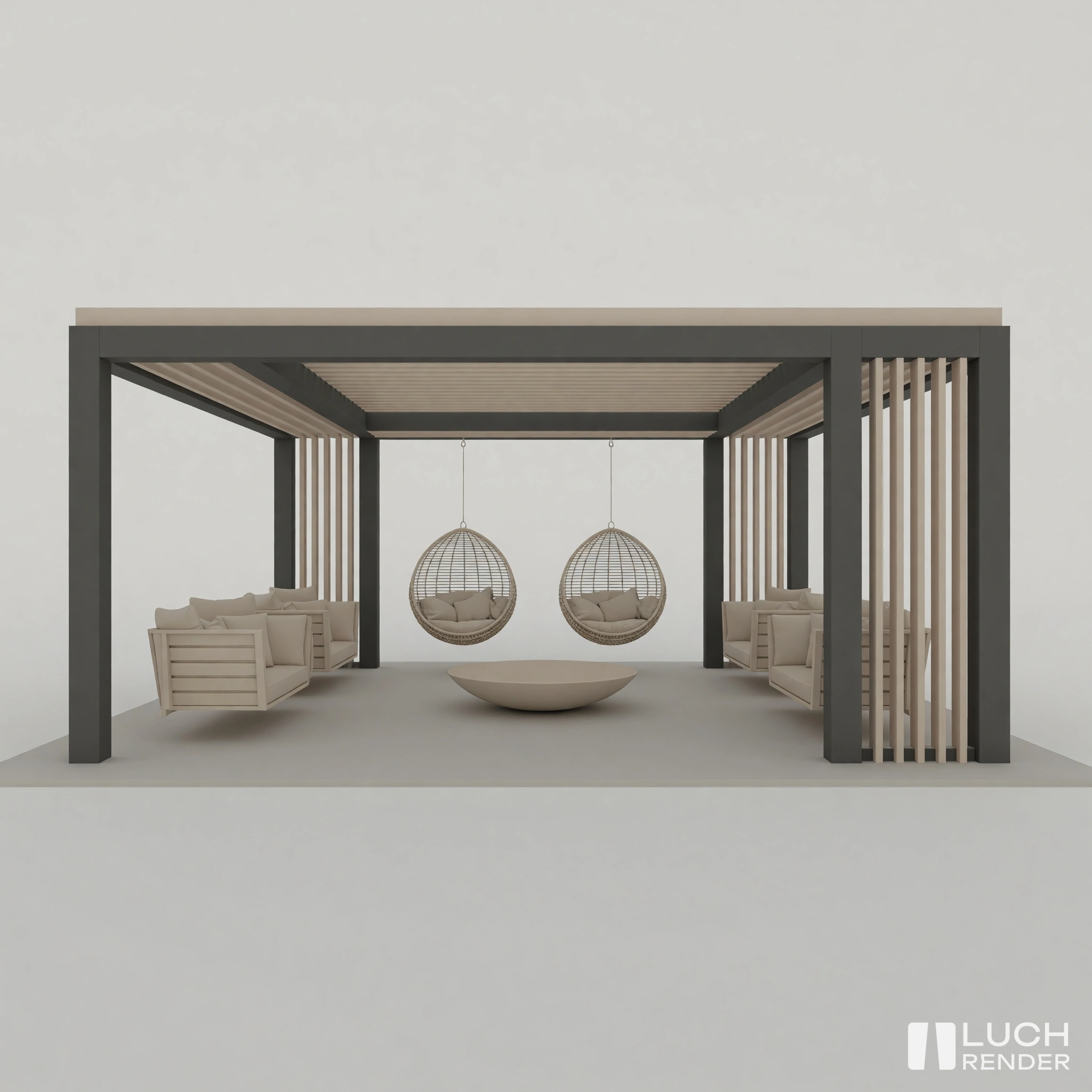
Patio
Render with AI plugin
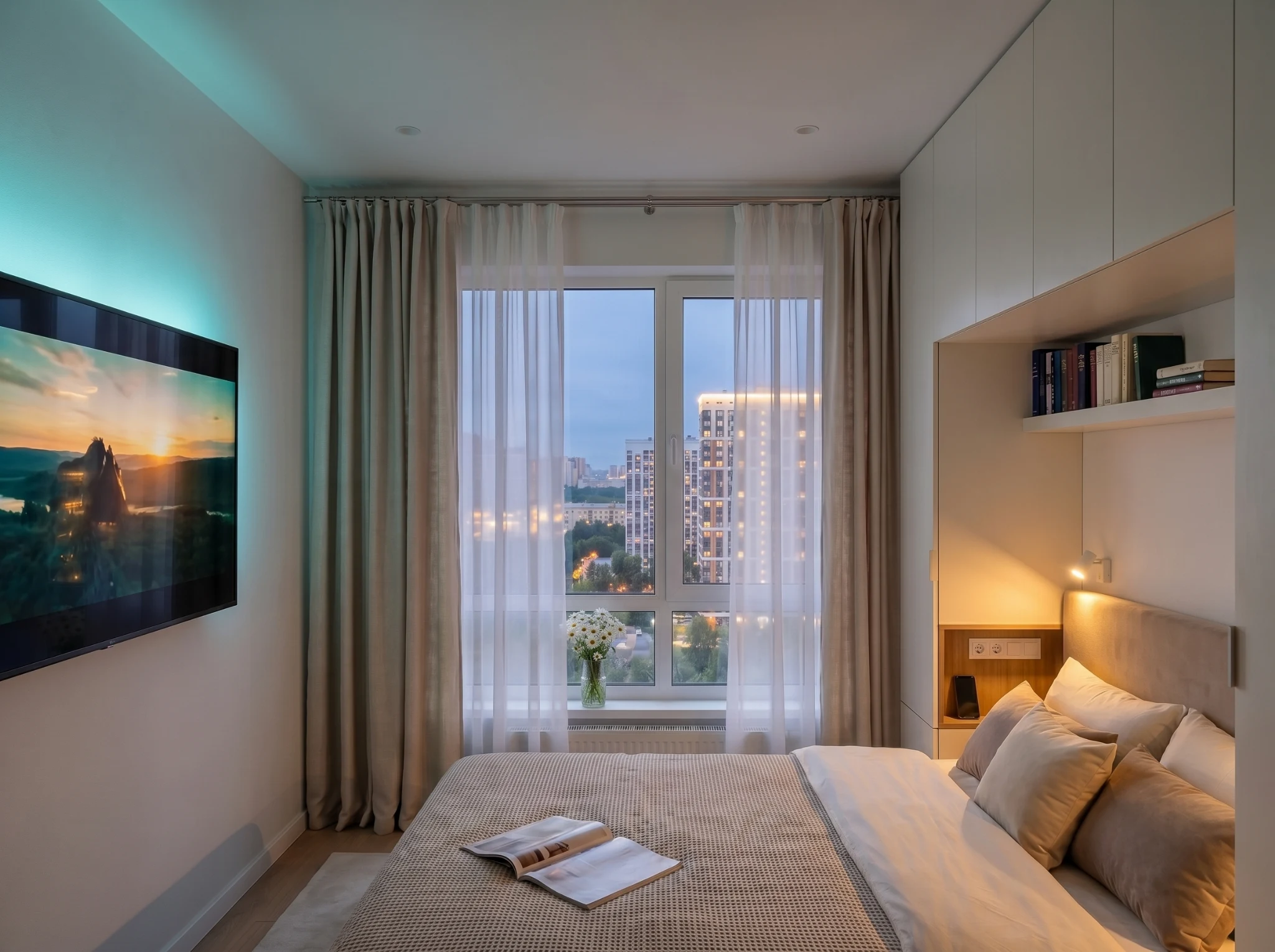
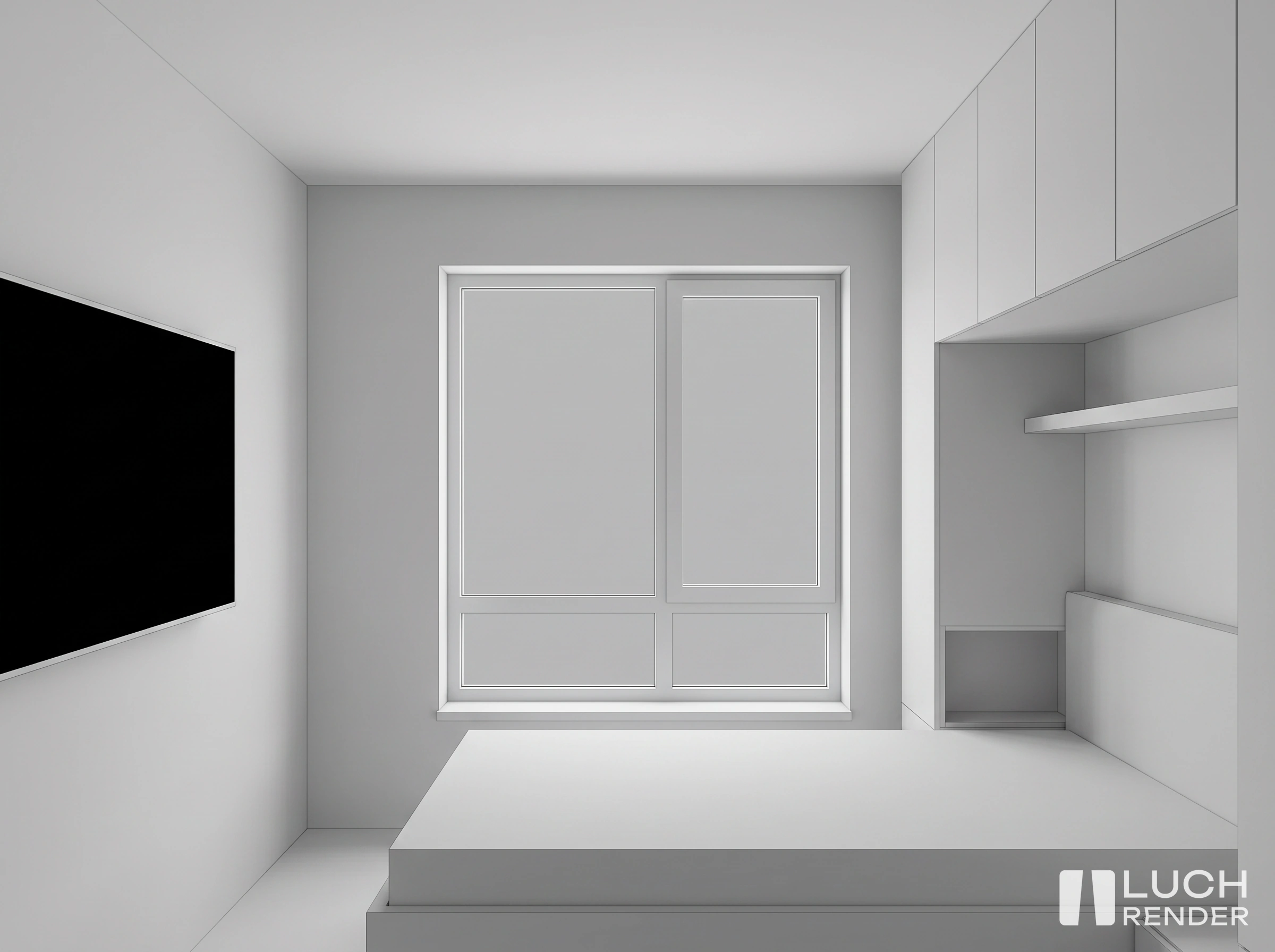
Bedroom
Neural network AI interior visualization
Plans
Select billing period:
- add_circle 5 renders as a gift
- add_circle 5 days PRO as a gift
Included in all plans:
- done Plugins for professional software
- done Web application render
- done Free technical support
- done 5-day money-back guarantee on subscription
- done 180 days render refund policy
START
For tests, rare tasks and personal goals
- Drawing canvas
- MIG engine only
- 2K resolution
- info Renders are bought separately
PRO
For professional architects & designers
- Drawing tools
- 6 render engines
- Resolution up to 4K
- 90 days cloud history
- Cloud sync for presets
- Replace objects from photo
- Style transfer
- 10% discount on all renders
- info Renders are bought separately
PRO TEAM
For studios, teams and collaboration
- All features from PRO plan
- Access for all team members
- Shared render pool
- Flexible render distribution
- Daily generation caps
- History visibility management
- Team activity stats
- info Renders are bought separately
- add_circle 5 renders as a gift
- add_circle 5 days PRO as a gift
Included in all plans:
- done Plugins for professional software
- done Web application render
- done Free technical support
- done 10-day money-back guarantee on subscription
- done 180 days render refund policy
Gift upon signup:
5 days PRO + 5 renders
Sign Up
arrow_forward
ARCHITECTURAL
AI RENDER #1
in CIS countries
Luch Render Academy
Discover tips and video tutorials on AI rendering
Frequently
Asked Questions
We gathered clear and simple answers to key questions about the Luch Render platform.
How fast is render generation?
AI-visualization on our cloud servers takes on average from 15 to 30 seconds. This is hundreds of times faster than traditional render engines (Corona, V-Ray), where render of one frame could take hours.
What input formats are supported?
You can upload images in JPEG, PNG, WEBP. Almost anything is suitable as an input: white clay 3D model screenshot from Archicad/Revit, hand sketch drawing, or schematic layout screenshot.
Who owns copyrights to generated renders?
All generated images are 100% owned by you. You have full legal rights to use them in commercial projects, deliver them to clients, or publish them online and on social media.
What is the main difference between PRO and START plans?
PRO plan removes resolution caps (UltraHD 4K upscale is available), opens access to 6 specialized AI render engines, enables replacing/adding objects from photo, and grants priority in queue.
Can I test the service before purchasing?
Sure! Right after registration you will get 5 free renders on your balance and 5 days of PRO trial access. You can fully assess the quality and speed of our service.